 ZipCoApply
Building Your Dream Gaming Setup: A Budget Guide
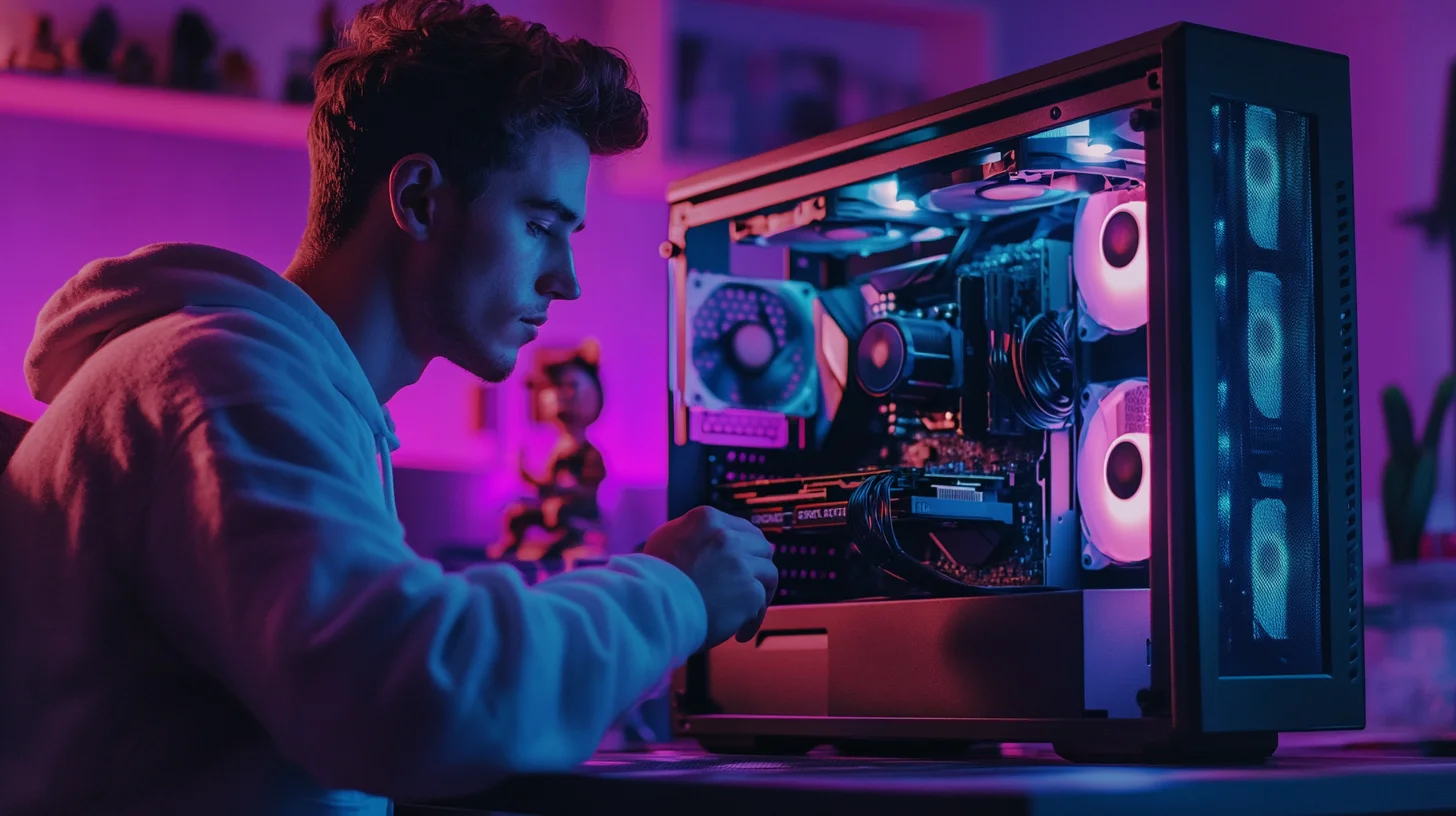
Building a gaming setup isn't just about specs—it's about creating an experience. Here's how to build your dream setup without emptying your bank account completely.
Gaming can be an expensive hobby, but it doesn't have to cost a fortune to enjoy. Smart component selection, strategic timing, and understanding where to splurge versus save makes all the difference between blowing your budget and building something amazing you can actually afford.
PC vs Console: The Foundation Decision
PC gaming offers better graphics, more games, and upgradability, but requires higher upfront investment. A capable gaming PC starts around 800-1,000 dollars. Consoles like PlayStation 5 or Xbox Series X cost 400-500 dollars and offer simpler plug-and-play experiences with excellent exclusive games.
Consider your gaming style. Competitive FPS players benefit from high refresh rates and precision mice available on PC. Casual gamers who prefer sports games or story-driven adventures get excellent experiences on consoles at lower cost. There's no wrong choice—just different tradeoffs.
Building Your PC: Core Components
The GPU (graphics card) is your most important component for gaming performance. A midrange GPU like RTX 4060 or RX 7600 (300-400 dollars) handles most games at 1080p high settings. Overspending here shows diminishing returns unless you're pushing 4K gaming or ray tracing.
CPU matters but not as much as people think for gaming. A midrange chip like AMD Ryzen 5 or Intel i5 (150-200 dollars) won't bottleneck gaming performance. Don't overpay for top-tier CPUs unless you're also streaming or doing heavy content creation.
RAM needs are simple: 16GB is standard for gaming, 32GB is future-proofing. Get DDR4-3200 or DDR5 depending on your motherboard. RAM is cheap—100-150 dollars for 32GB. Don't overthink this component.
Storage strategy: 500GB-1TB NVMe SSD (50-100 dollars) for Windows and favorite games, then add cheaper 1-2TB HDD (40-60 dollars) for game library. Fast storage matters for load times but doesn't affect gameplay once loaded.
Monitor: Where to Invest
Monitor choice dramatically affects gaming experience. For competitive gaming, prioritize refresh rate—144Hz minimum. For immersive single-player games, prioritize size and resolution. A 27-inch 1440p 144Hz monitor (250-350 dollars) offers great balance.
Don't buy 4K monitors unless you have high-end GPU to drive them. A 4K monitor with hardware that can't maintain playable framerates wastes money. Match monitor resolution to your GPU capabilities.
Peripherals That Matter
Mechanical keyboards improve typing and gaming feel. Budget options (50-80 dollars) like Keychron or Royal Kludge offer great experiences without premium brand pricing. Save exotic switch types and RGB excess for later upgrades.
Gaming mice need good sensors and comfortable grip. Mice like Logitech G502 or Razer DeathAdder (40-60 dollars) offer excellent performance. Don't fall for marketing hype on 15 buttons or extreme DPI—most gamers use 400-800 DPI regardless of maximum capabilities.
Headset quality matters more for competitive gaming (hearing enemy positions) than casual play. Budget options (40-80 dollars) like HyperX Cloud or SteelSeries Arctis work great. Streaming or content creation justifies standalone microphones later, but integrated headset mics suffice initially.
The Setup Budget Breakdown
Entry gaming setup (1,200 dollars): Console (500) + TV/monitor (300) + peripherals (100) + games (300). Gets you gaming with room to grow.
Midrange PC setup (1,800 dollars): PC build (1,200) + monitor (300) + peripherals (200) + games (100). Great 1080p/1440p gaming experience.
Premium setup (3,000 dollars): High-end PC (2,000) + premium monitor (500) + quality peripherals (300) + accessories (200). Handles everything maxed out.
Smart Buying Strategies
Black Friday, Cyber Monday, and Prime Day offer real savings on components and peripherals. Plan builds around these sales to save 20-40% on identical hardware. Patience literally pays.
Used market offers incredible value for last-gen components. GPUs from previous generation often sell for 40-50% off retail while offering 80% of new gen performance. Reddit hardwareswap or Facebook Marketplace have deals if you're patient and careful.
Avoid buying everything at once unless sales align. Components don't depreciate sitting in boxes, so buying piece by piece over 2-3 months lets you catch multiple sales events.
When Financing Makes Sense
Gaming setups are wants, not needs, so financing requires honesty about affordability. If choosing between putting 1,500 dollars on credit cards at 20% APR or getting a personal loan at 10-15% APR for the same amount, the loan is smarter. But saving up beats both.
Consider cost-per-hour entertainment value. A 2,000 dollar setup used 10 hours weekly for three years is 1.28 per hour of entertainment. That's cheaper than movies, concerts, or most other hobbies. From that perspective, financing something you'll genuinely use makes sense.
Never finance accessories or aesthetics. RGB lighting, fancy cases, and premium cables don't improve gaming performance. Finance the core experience (PC, monitor) if needed, but save up for pretty extras. Future-you will appreciate not paying interest on decorative purchases.
Remember, gaming is about experiences, not gear. The best setup is one you'll actually use and can comfortably afford. Start with fundamentals, upgrade gradually, and enjoy the journey of building your perfect gaming space over time. Expensive gear doesn't make you better at games—practice and enjoyment do.
Share This Article



Ready to Level Up Your Setup?
Get your dream gaming gear now with affordable financing options.
Apply for a Loan →